a private, offline journal app
before you pour your life into one, ask the question almost no one asks first: where does this actually go? whose server, behind whose login, under whose policy.
a diary holds the things you have told no one. so it is strange how rarely we ask, before we start typing into one, where the words are going to live. for a lot of journaling apps the answer is: on a company's server, behind an account you had to create, under a privacy policy you did not read. that may be fine. but for the single most private text you keep, "where does it live" is the first question, not the last.
so: which journaling apps are genuinely private and offline? the local-first, no-account options are triday (on-device, no account, no tracking), Daylio (local-only, no account), Diarly (on-device and iCloud, encrypted). the cloud-and-account apps are Reflectly, Rosebud, Day One, Stoic and Finch. here is the posture of each, side by side.
where each journaling app keeps your diary
| app | stored | account needed? | works offline |
|---|---|---|---|
| triday. | on device (+ your iCloud, optional) | no account | yes |
| Daylio | on device (optional backup) | no account | yes |
| Diarly | on device + iCloud, encrypted | no (iCloud) | yes |
| Day One | cloud sync, end-to-end | yes | partly |
| Journey | your Google/OneDrive cloud | yes | partly |
| Reflectly | cloud (not end-to-end) | yes | no |
| Rosebud | cloud; AI reads entries | yes | no |
| Finch | cloud | yes | no |
the four questions that actually decide privacy
"private" is on every app's marketing page, so it has stopped meaning anything. four concrete questions cut through it:
- on your device, or their server? if your entries never leave your phone, there is simply nothing on a company's server to leak, subpoena, or sell.
- if it is in the cloud, is it end-to-end encrypted? end-to-end means the company itself cannot read it. "encrypted" without "end-to-end" usually means they could.
- do you need an account? an account is an identity, an email, a login, a record that you use the app at all. no account means no profile of you to begin with.
- any analytics, ads, or tracking? even an app that cannot read your words can still watch how you use it, and sell that.
run those four down the table and the field separates quickly. on-device, no-account, no-tracking is a small club.
the most private diary is the one with nothing on anyone's server to protect.
"private" is not the same as "on-device"
here is the honest nuance most comparison pages skip. Day One is genuinely private in the cloud: it is end-to-end encrypted, so even the company cannot read your entries. that is real, and good. but it still sends your encrypted diary to a server, still needs an account, and still requires you to trust that the encryption is done right and stays that way. on-device is a different and simpler kind of safe: the entries never leave at all, so there is no server, no account, and nothing in transit to get wrong. neither is "more secure" in the abstract. but if your instinct is that your diary should simply never be anywhere but in your own hand, on-device is the literal version of that instinct. we walk through this exact end-to-end-versus-on-device tradeoff in triday vs Day One, and the widest version of the gap, an AI reading a cloud diary, in triday vs Rosebud.
on-device is a posture, not a free lunch. it means you are responsible for the backup: lose the phone without one and the diary is gone, and there is usually no website to read it from. cloud sync solves exactly that, your entries appear on every device and survive a lost phone, and Day One's end-to-end sync does it about as safely as it can be done. if you write across a phone, tablet and laptop, or you would not reliably back up yourself, the cloud is a reasonable trade. the right answer depends on which you trust less: a company's server, or your own habit of backing up.
triday's answer
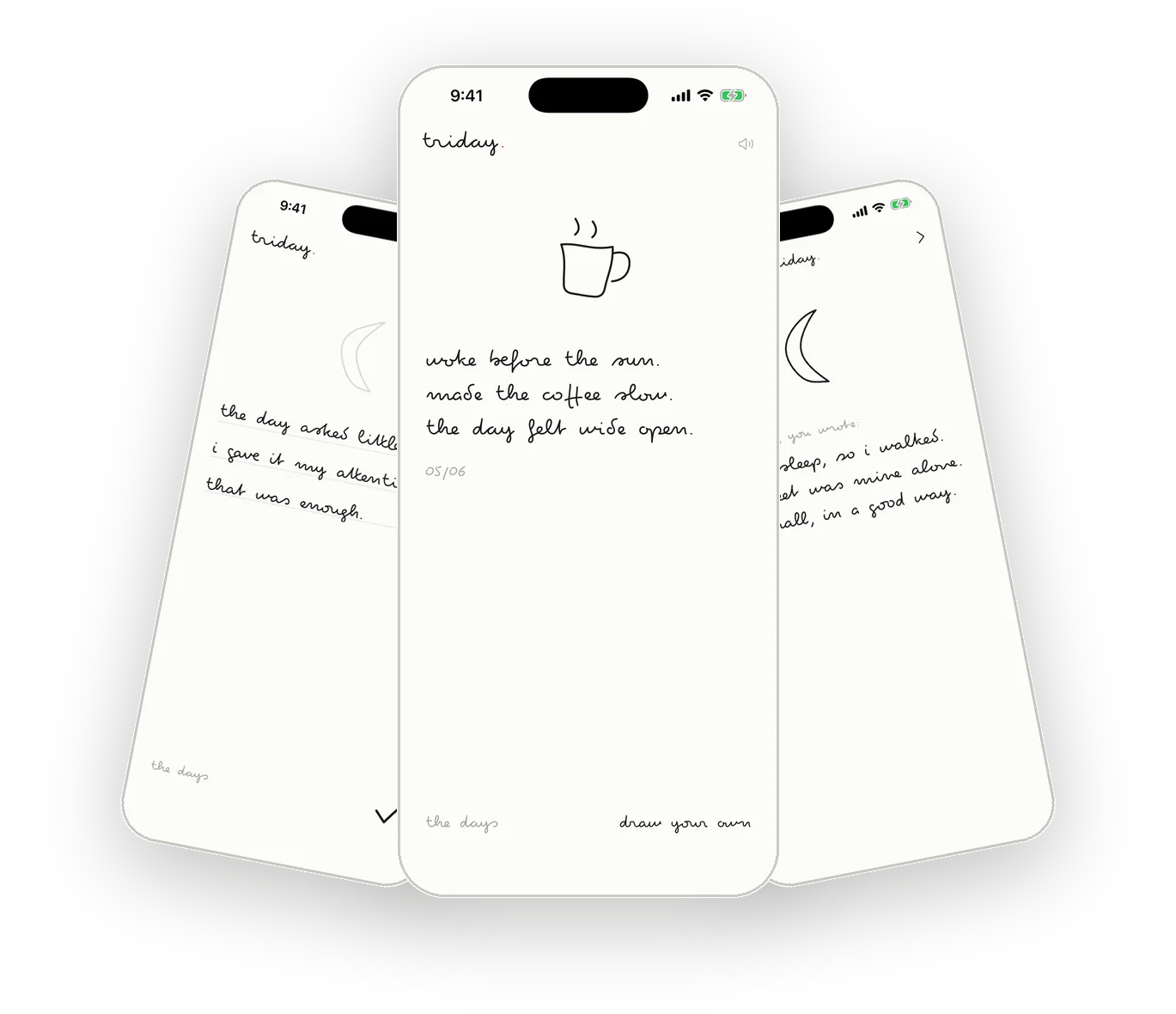
triday is on-device by default. your three lines are stored on your phone, with no account and no sign-up, no servers that receive or read your writing, and no analytics, ads, or tracking of any kind. if you want your entries on your iPad too, you can turn on iCloud sync, which uses your private iCloud, tied to your Apple Account and never visible to us. the default is the most private one: nothing leaves your phone unless you ask it to. you can read the plain-language version on the privacy page. it pairs with the other refusals, no AI reading your entries and no $60-a-year bill.
questions
is there a journal app that works offline?
yes. triday stores entries on your device and works fully offline, syncing only through your own iCloud if you choose to turn it on. Daylio and Diarly are also local-first. Reflectly, Rosebud and Day One are cloud-based and built around an account.
can i use a diary app without an account?
yes. triday requires no account or sign-up at all. Daylio also works without a separate account. Day One, Reflectly, Rosebud, Stoic and Finch require you to create an account to use them.
what is the difference between a private and an on-device journal?
an on-device journal keeps your entries on your phone and never sends them anywhere. a "private" cloud journal, like Day One, sends your entries to a server but encrypts them end-to-end so the company cannot read them. both can be trustworthy; on-device simply means there is nothing on anyone's server to protect in the first place.
is triday private?
yes. triday stores your entries on your device, needs no account, syncs only through your own iCloud if you enable it, and runs no analytics, ads, or tracking of any kind. there are no servers that receive or read your writing.
we keep an honest, dated comparison of the diary apps and read the privacy policies so you don't have to. how we write & what we won't say →